Best Ticketing Software in 2026: 12 Tools for Small Teams
On this page
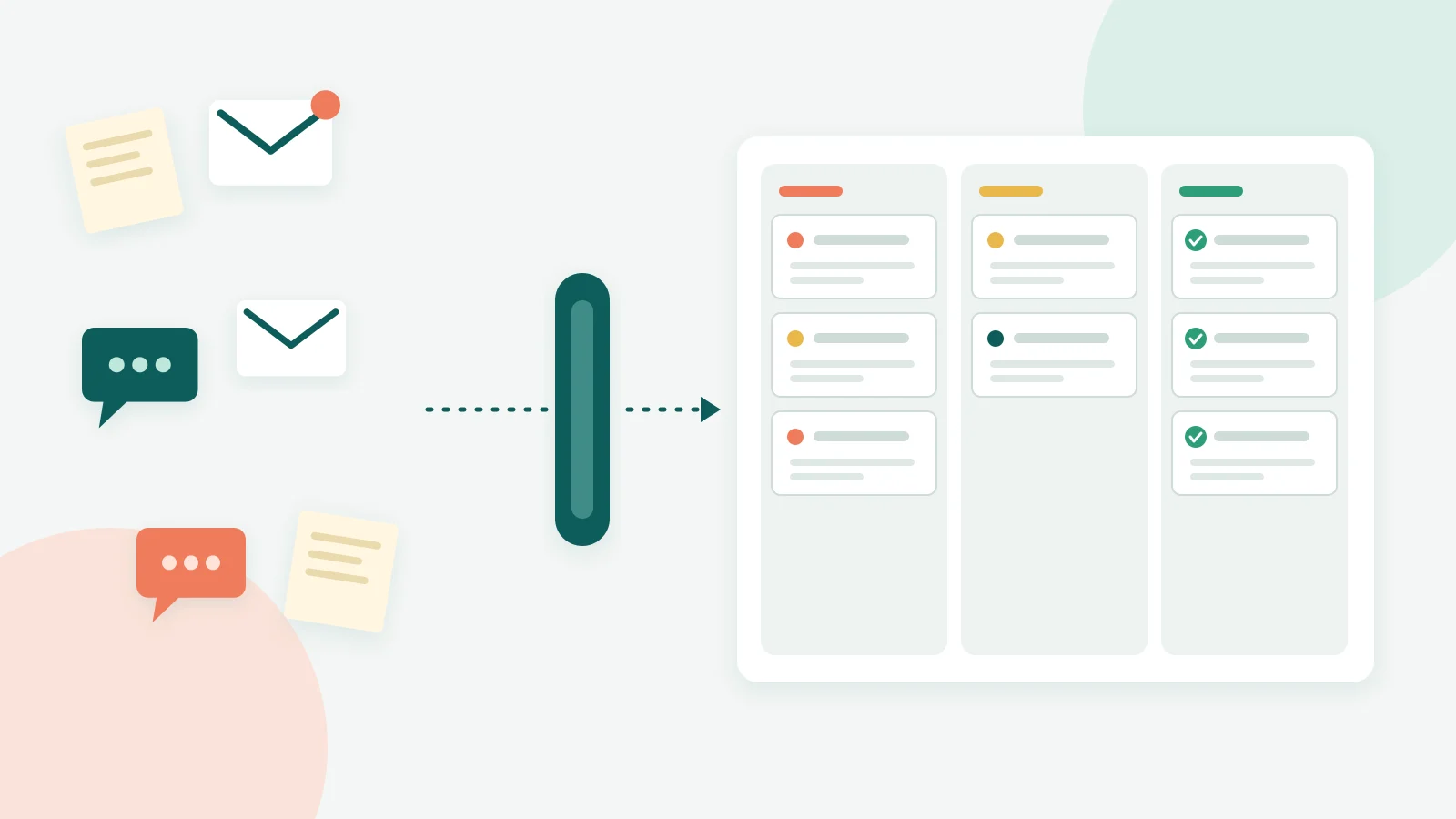
Ticketing software (often called ticketing tools) turns every incoming request (an email, a chat, a WhatsApp message, an internal IT issue) into a ticket with an owner, a status, a priority and a response target, so a team can work from one shared queue instead of a dozen personal inboxes. For most small teams the best ticketing software is not the one with the longest feature list. It is the one whose cheapest usable plan covers your channels, your headcount and your AI usage without surprise fees.
That matters more than it sounds. In Zendesk's CX Trends 2026 research, 74% of consumers say they find it frustrating to tell their story over and over to different agents. A ticket that carries the full history is the simplest fix for that problem, and it is the job every tool below is built to do.
We are the team behind Kora Reply, a new help desk for small teams. While pricing our own product we read every competitor pricing page below line by line (all prices are as of October 2026 and linked to the official page). This guide is what we learned, including where our own product is not the right fit.
What ticketing software actually does
A ticketing tool sits between your customers and your team. Every request gets a unique record, and that record follows the conversation until it is closed. If you want the full concept explained from zero, our ticketing system guide covers the basics. Here is the short version.
The five fields every ticket needs
Whatever tool you pick, check that each ticket carries at least these five things:
- Status: open, pending, resolved, closed. This is what stops "I thought you replied" moments.
- Priority: so a refund dispute does not wait behind a newsletter unsubscribe.
- Assignee: one named owner. Shared ownership usually means no ownership.
- Internal notes: private comments the customer never sees, so colleagues can hand over context.
- Response target: a due time based on your promised reply window, often called an SLA (service level agreement, the reply or resolution time you commit to).
Kora Reply's own ticket management features are built around exactly these five, and so is every serious tool in the list below. If a product hides any of them behind a higher plan, treat that as a warning sign.
Signs you have outgrown a shared mailbox
A plain shared mailbox works until it does not. In our experience the breaking point shows up as one of three symptoms: two people answer the same customer with different answers, a customer chases a reply nobody owned, or nobody can say how long replies actually take. If any of those happened last month, you need ticketing, not a better folder system. A shared inbox with ticketing built in is the usual first step for teams of two to ten.
Pro tip: Before you trial anything, export one week of support email and count how many threads had more than one person involved. That number tells you how much a ticketing tool will save you, and it gives you a real test set for trials.
Ticketing software list: 12 tools compared
There is no single best ticketing tool, so this list groups them by who they are built for. Every price below comes from the vendor's official pricing page as of October 2026. Prices change often, so recheck before you buy.
| Tool | Cheapest paid plan (per user per month unless noted) | Free plan | How AI is billed | Best for |
|---|---|---|---|---|
| Zendesk | Support Team $19 annual, $25 monthly (email and ticketing only) | No | Per automated resolution, $1.50 committed or $2.00 pay-as-you-go beyond the included amount | Teams that will grow into a large suite |
| Freshdesk | Growth $19 annual, $23 monthly | Not on pricing page | First 500 AI agent sessions included, then $49 per 100 sessions | Email-first support teams |
| Help Scout | Standard $25 annual, $30 monthly | Yes, up to 5 users, 1 inbox | $0.75 per resolution | Small teams that want a calm, email-like inbox |
| Front | Starter $25 annual, $35 monthly (up to 10 seats, one channel type) | No | Autopilot from $0.05 per conversation via sales | Teams that live in email and collaborate on threads |
| Intercom | Essential $29 annual, $39 monthly list price (lower offers for new customers) | No | $0.99 per Fin outcome | Software companies with in-app chat |
| Gorgias | Starter $10 per month, monthly only (50 tickets, 3 seats) | No | $0.85 to $1.00 per automated interaction | Ecommerce stores |
| Jira Service Management | Standard $21.50 per agent monthly (varies with team size) | Yes, 3 agents | Not compared here | Teams already on Jira |
| ManageEngine ServiceDesk Plus | Cloud paid editions billed yearly | Yes, Cloud Standard up to 5 technicians | Not compared here | Internal IT teams |
| Spiceworks | Premium $6 per seat, billed annually | Yes, Core plan | Not compared here | Very small IT departments |
| LiveAgent | Starter $15 annual, $19 monthly | Not compared here | States you never pay per resolution | Budget teams that want many channels |
| Helpwise | Standard $12 annual, $15 monthly (minimum 2 users, knowledge base included) | Not compared here | Not compared here | Small teams on a tight budget |
| Kora Reply | Starter $12 monthly, $10 annual | Yes, 2 users | Pooled AI quota included in every plan, extra packs $10 per 500 conversations | Small teams that want AI answers from their own knowledge base |
Customer support help desks
Zendesk, Freshdesk, Help Scout, Front, Intercom and Gorgias are customer-facing tools. The trap with this group is the entry plan. Zendesk Support Team at $19 is email and ticketing only; live chat, a help center and AI agents start at Suite Team, $55 annual or $69 monthly per agent. Freshdesk Growth is pitched as email service, with omnichannel sold as a separate product. So compare the plan that covers your channels, not the headline price. Our best help desk software roundup goes deeper on this group.
IT service desks
Jira Service Management, ManageEngine ServiceDesk Plus and Spiceworks are built for internal IT: employees report laptop, access and software issues. They tend to have the most generous free tiers, because the buyer is an IT department that will expand later. If you only need internal ticketing, start here. If you need to answer customers, they usually feel heavy.
Low-cost challengers
LiveAgent, Helpwise and Kora Reply cluster at the low end. Helpwise's $12 annual price is lower than our $12 monthly price, and Spiceworks Premium is $6, so we do not claim to be the cheapest. Where this group differs is in what is bundled, which is the next section.
Also read: if budget is the main constraint, our guide to free ticketing systems compares what each free plan really allows, and the open source ticketing system guide covers self-hosted options.
How ticketing software is priced in 2026
Three meters decide what you actually pay. Most tools use two of them at once.
Per seat
The classic model: every agent who logs in costs a monthly fee. It is predictable but punishes growth. Going from three to eight agents more than doubles your bill even if ticket volume barely moves.
Per ticket volume
Gorgias prices by tickets and says it is "never priced per agent". Its Starter plan is $10 per month for 50 tickets, and Basic is $60 monthly for 300 tickets. This suits stores with many part-time helpers and seasonal spikes, but a busy month can push you into overage, billed at $0.40 per extra ticket.
Per AI outcome
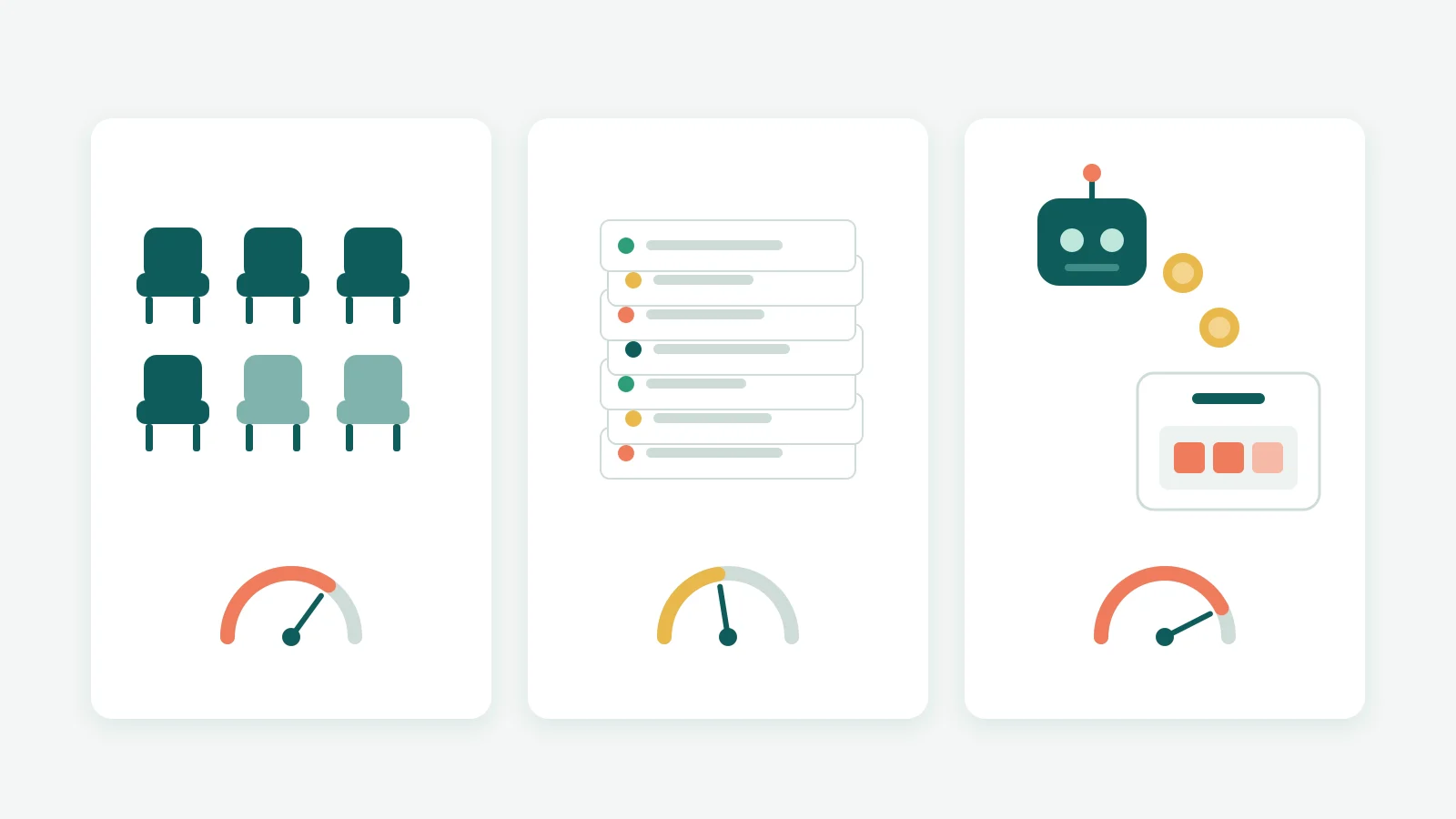
This is the new meter, and it is where small teams get surprised. Zendesk charges $1.50 to $2.00 per automated resolution beyond what is included, Intercom $0.99 per Fin outcome, Help Scout $0.75 per resolution. Do the maths: a three-person team on Help Scout Standard pays $90 a month for seats at monthly pricing, and 120 AI resolutions add another $90.
Here is our contrarian take. Per-outcome AI pricing is usually defended as "you only pay when it works", which sounds fair. But it means your bill rises exactly when the AI gets better, and it makes AI the most expensive line on a small team's invoice. A pooled quota, where AI answers are included up to a limit, is easier to budget for. That is the model we chose for Kora Reply, and LiveAgent says outright that you never pay per resolution.
Why does this matter now? The U.S. Bureau of Labor Statistics counts about 2.67 million customer service representative jobs in 2025 and projects employment to decline 5 percent from 2025 to 2035. Routine questions are moving to software, so how AI is billed will shape your support budget for years.
Key takeaway: Price the plan you would actually run for 12 months, including AI usage at your real volume. The headline seat price is rarely the number you end up paying.
Customer support ticketing vs IT ticketing systems
People search for very different things under "ticketing tool". Some want a customer support help desk, others an IT service desk with asset tracking and change approvals. The difference changes which list you should be reading.
Customer support ticketing is outward-facing. It needs email and chat channels, a public help center, saved replies, customer satisfaction surveys and fast first responses. Success is measured in reply time and resolution rate.
IT ticketing is inward-facing. It needs request forms, approval steps, links to devices and software licenses, and often processes based on ITIL (a widely used framework for running IT services). Success is measured in uptime and how fast employees get back to work.
Plenty of small companies need a bit of both: a handful of internal IT requests and a steady flow of customer email. Our view is to pick the tool for the side that carries more volume and handle the smaller side with a separate inbox and tags. Running two heavyweight systems at a 10-person company is rarely worth the overhead. If IT requests are your main load, see our IT help desk page; for the vocabulary, read help desk vs service desk.
Can Microsoft Lists, SharePoint or Teams be your ticketing system?
Searches like "microsoft ticketing system", "sharepoint ticketing system" and "microsoft teams ticketing system" come from teams that already pay for Microsoft 365 and would rather not add another subscription. That instinct is reasonable.
Microsoft Lists includes an Issue tracker template. According to Microsoft's own description, it helps you track, manage and bring issues to a close by setting priorities in the status column and sending notifications to team members. Microsoft's guide to creating a list from a template applies to Lists and Teams and also shows the SharePoint route (New, then List).
For internal requests at a small company, that can be enough. Where we have seen DIY setups strain is the customer side. Ask these questions before you commit:
- Do customer emails become list items automatically, with replies threaded back to the same item?
- Can you see who owns a request and when the reply is due, at a glance?
- Can customers find answers themselves in a public knowledge base?
- Who maintains the flows and permissions when the person who built them leaves?
If the answers are "yes, and we have someone to maintain it", a Lists tracker is a sensible free start. If not, a purpose-built tool with email ticketing and a knowledge base will save you time from week one.
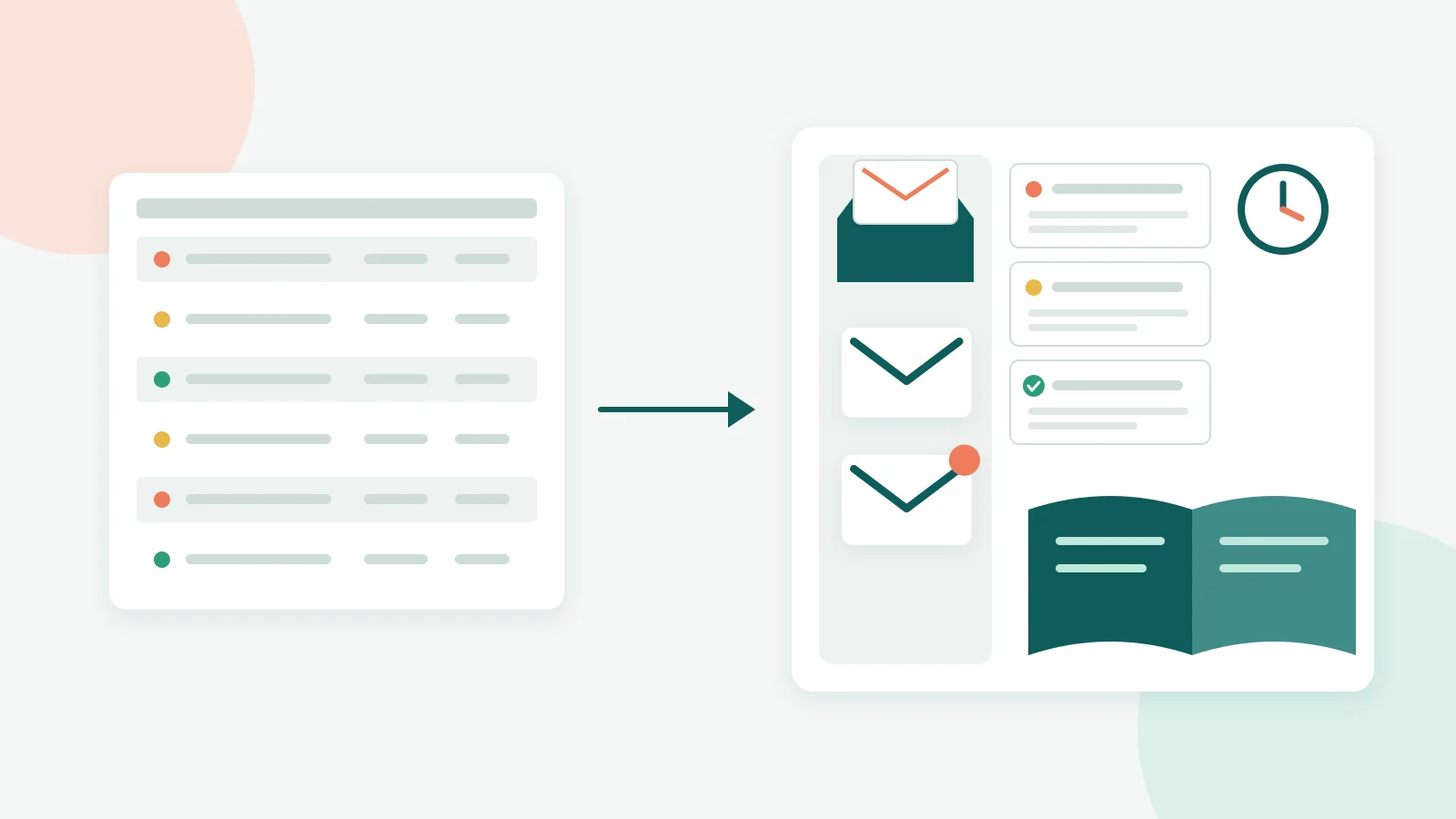
How to choose the best ticketing system: a 7-question checklist
Feature comparison grids make every tool look the same. These seven questions separate them faster:
- Which channels do your customers use today? Email only, or chat and WhatsApp too? Check which plan includes each one.
- How many people will answer tickets in 12 months? Price that headcount, not today's.
- Is a knowledge base included or extra? Self-service articles cut repeat questions, and some tools charge separately for them.
- How is AI billed? Per resolution, per session or as an included quota. Model your real volume.
- Can you set response targets and see overdue tickets? If not, the tool is a shared inbox, not ticketing. See how SLA management should work.
- How fast can you reply with saved answers? Saved replies (also called canned responses) are the biggest daily time saver. Our free canned response generator helps you draft a starter set.
- What happens to your data if you leave? Ask how exports work before you import three years of history.
Pro tip: Run every trial with the same 30 real tickets from last month. Time how long it takes to get them all to "resolved". That single number beats any review site.
One honest warning from our own research: free trials are short (Zendesk, Front and Intercom each list 14 days), so prepare your test tickets before you click "start trial", not after.
Where Kora Reply fits, honestly
Kora Reply is new, and we would rather tell you what it is than oversell it. It is an AI help desk for small teams: a shared inbox, tickets with status, priority, assignment, internal notes and response targets, saved replies, a public knowledge base, and an AI agent that answers from your own articles and hands the conversation to a person with a summary when it cannot help. WhatsApp is available as an extra channel and is currently in beta.
Plans start with a Free plan for 2 users. Starter is $12 per user per month (or $10 billed annually), for up to 6 users, and includes a pooled AI quota rather than per-resolution fees. Full details are on the pricing page.
When is it not the right choice? If you need voice support, SSO, multi-brand setups or deep IT asset management, the established suites above do far more today. If you are a small team that mainly answers email and chat and wants AI help without a metered bill, it is worth a look. See how it compares on our alternatives page, or read about our approach to help desks for small businesses.
Frequently asked questions
Ticketing software (often called ticketing tools) turns every customer or employee request, whether it arrives by email, chat or WhatsApp, into a ticket with a status, a priority, an owner and a response target. The team works from one shared queue instead of personal inboxes, so nothing is lost and every reply has history.
As of October 2026, Help Scout has a Free plan for up to 5 users, Jira Service Management is free for 3 agents, ManageEngine ServiceDesk Plus Cloud Standard is free for up to 5 technicians, Spiceworks has a free Core plan and Kora Reply has a Free plan for 2 users. Zendesk, Freshdesk, Front and Intercom show no free plan on their pricing pages.
A ticketing tool is the core engine: it tracks requests as tickets. A help desk is the wider product built around that engine, usually adding a shared inbox, a knowledge base, live chat, automations and reporting. Almost every help desk includes ticketing, but a basic ticketing tool may not include the rest.
Yes, for simple internal tracking. Microsoft's Issue tracker template in Lists helps you set priorities and notify team members about issues. Test it against your real workflow first: customer email threading, response-time targets and a public help center are the parts teams usually end up building or buying separately.
Entry plans from established vendors sit between about $10 and $39 per seat per month as of October 2026, and many now add a separate fee per AI resolution, from $0.75 at Help Scout to $2.00 pay-as-you-go at Zendesk. Gorgias prices by ticket volume instead of seats.
Start with channels and limits, not feature lists. Check that the plan you can afford includes the channels your customers actually use, how many users and inboxes it allows, whether a knowledge base is included and how AI answers are billed. Then run a two-week trial with real tickets.
The bottom line
The best ticketing tools for small teams are the ones whose realistic 12-month cost matches your channels, headcount and AI usage. Shortlist two or three from the list above, test them with the same real tickets, and pay close attention to how AI is billed. If you want an AI help desk with an included AI quota, you can start with Kora Reply for free.
Sources
All pages fetched in October 2026. Competitor prices are as listed on each official pricing page at that time.
- Zendesk, CX Trends 2026 (74% of consumers frustrated by repeating their story)
- U.S. Bureau of Labor Statistics, Occupational Outlook Handbook: Customer Service Representatives (2,666,000 jobs in 2025, projected 5 percent decline 2025 to 2035)
- Microsoft Support, List templates in Microsoft 365 (Issue tracker template)
- Microsoft Support, Create a list from a template (applies to Lists and Teams, SharePoint steps)
- Zendesk pricing
- Freshdesk pricing
- Help Scout pricing
- Front pricing
- Intercom pricing
- Gorgias pricing
- Jira Service Management pricing
- ManageEngine ServiceDesk Plus pricing
- Spiceworks free cloud help desk
- LiveAgent pricing
- Helpwise pricing
Related articles
 Shared inbox
Add Shared Inbox to Outlook: New, Classic, Web, Mac, Mobile
Add shared inbox to Outlook in minutes: admin setup, steps for new and classic Outlook, web, Mac and mobile, plus fixes when the mailbox won't show.Read article Support skills