One shared inbox for every customer conversation
Kora Reply is a shared inbox that puts your support email, website live chat and WhatsApp messages in one queue, so your whole team sees who owns each conversation and nothing is answered twice or missed.
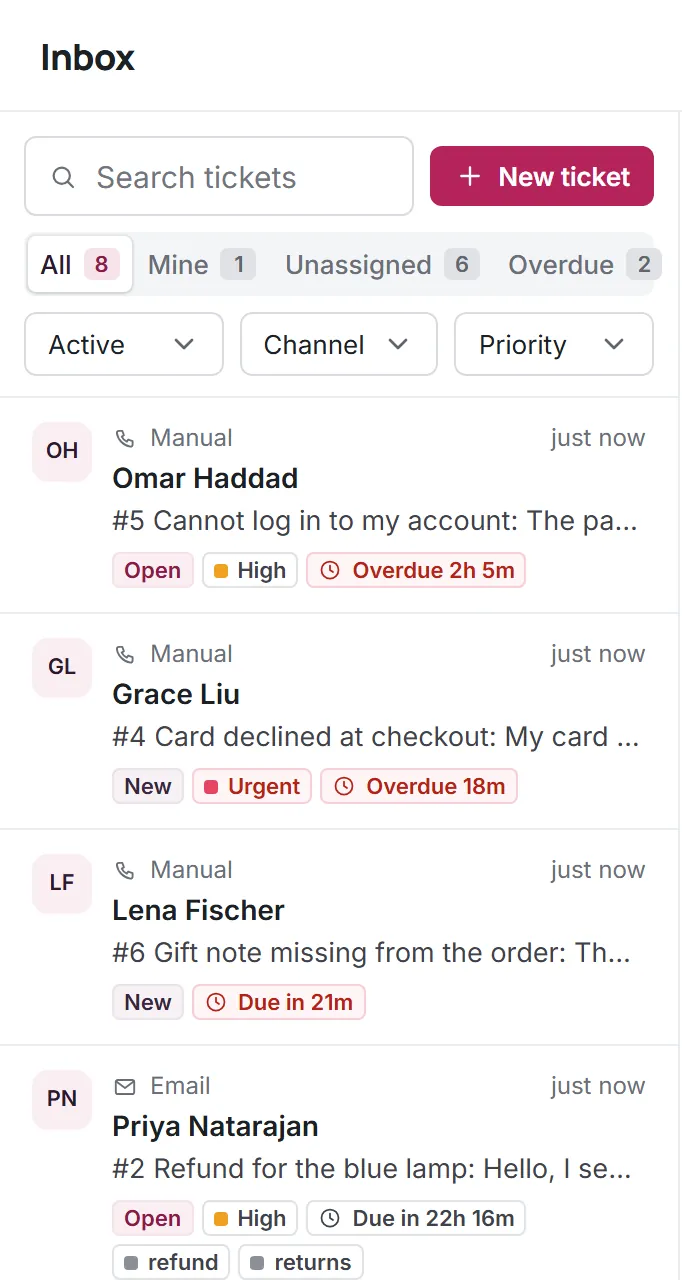
A team inbox instead of a shared password
Stop logging in to the same Gmail account or passing a phone around. Each teammate signs in with their own account and works from the same support inbox.
- Support email forwarded into the queue
- Live chat from the widget on your site
- WhatsApp on your own business number (beta, paid plans)
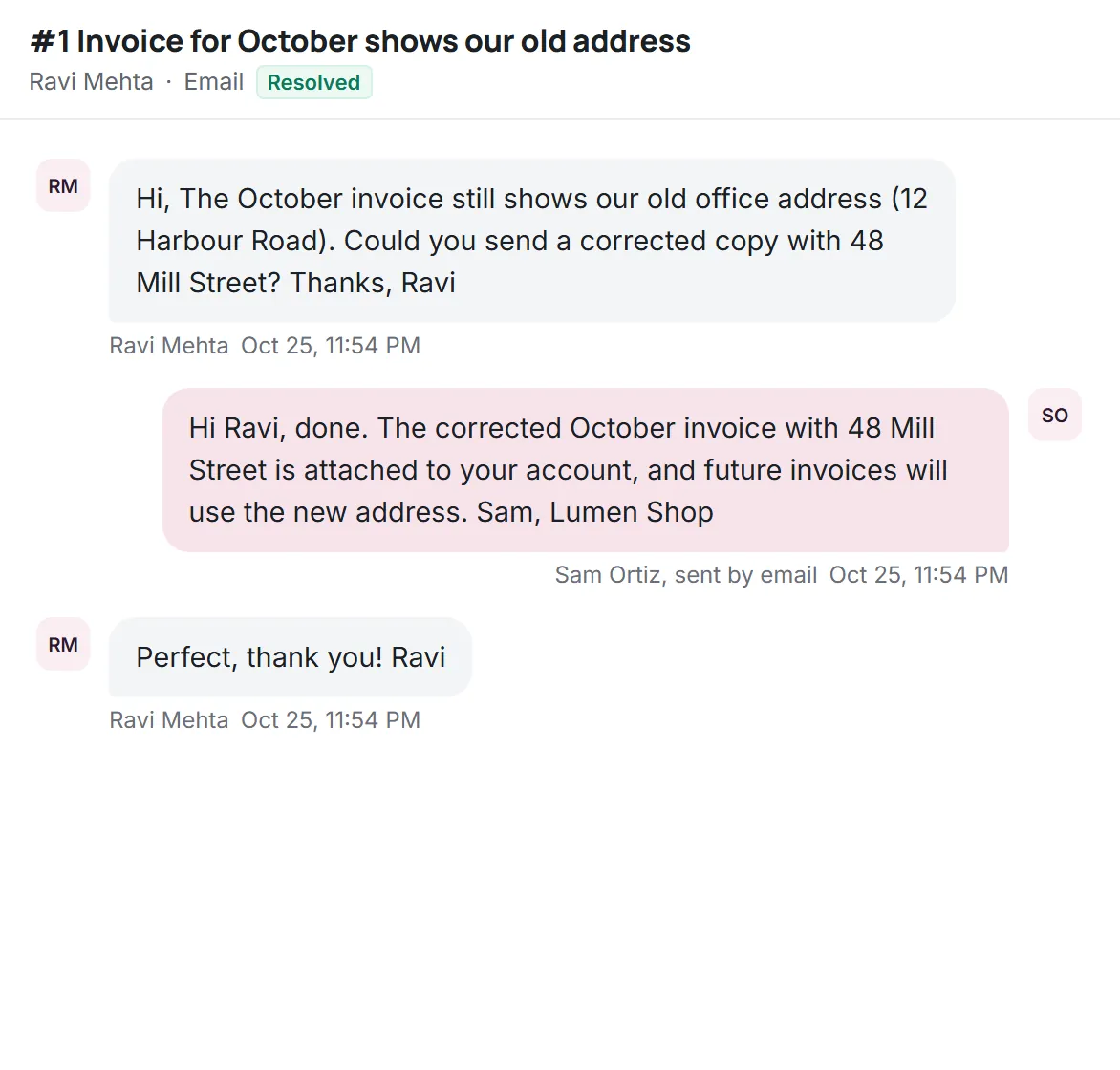
Clear owners, so nobody replies twice
Assign a conversation to yourself or a teammate. Views for Mine, Unassigned and Overdue show what needs attention first, and filters narrow the list by channel or status.
- Assign and reassign in one click
- Filter by channel and status, search by customer
- Overdue view for missed first reply targets
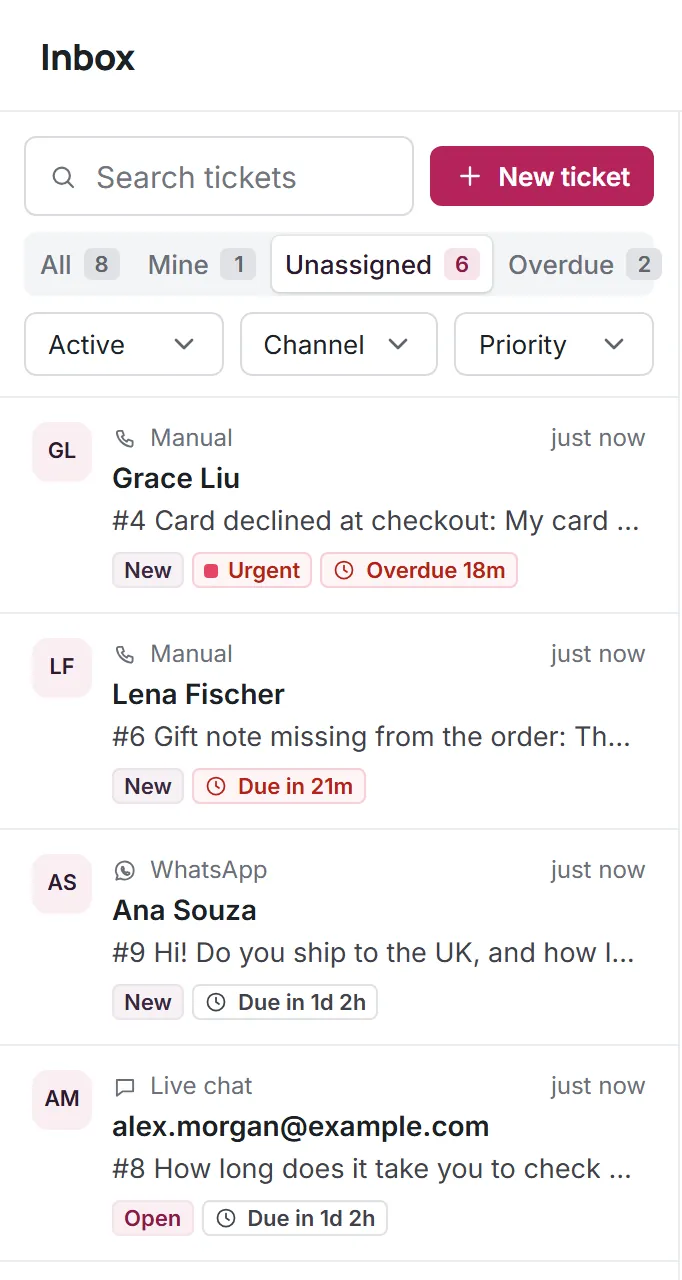
Talk it over without leaving the thread
Write an internal note and @mention a teammate right inside the conversation. Notes are never sent to the customer, on any channel.
- Notes stay private to your team
- Mentions notify the teammate you tag
- Activity log of every status and owner change
Shared inbox software made for small teams
Everything a team of 1 to 12 needs to share customer conversations, without enterprise setup.
Omnichannel inbox
Email, live chat and WhatsApp conversations in the same list, each with its channel shown.
Roles
Owner, admin and agent roles decide who can change settings and channels.
Saved replies
Type a slash in the reply box to insert an answer your team already wrote.
AI agent first
Kora AI answers routine questions from your articles and hands the rest to the inbox with a summary.
Labels
Tag conversations like refund or bug to group them and find them later.
Separate workspaces
Each team's data stays in its own workspace, isolated at the database level.
Questions about Shared inbox
Start answering customers together
Create a free workspace for 2 users, or ask us anything on WhatsApp.