Saved replies that sound like you, not like a template
Saved replies in Kora Reply let your team insert a prepared answer by typing a slash in the reply box, with the customer's name filled in automatically, then edit it before sending on email, live chat or WhatsApp.
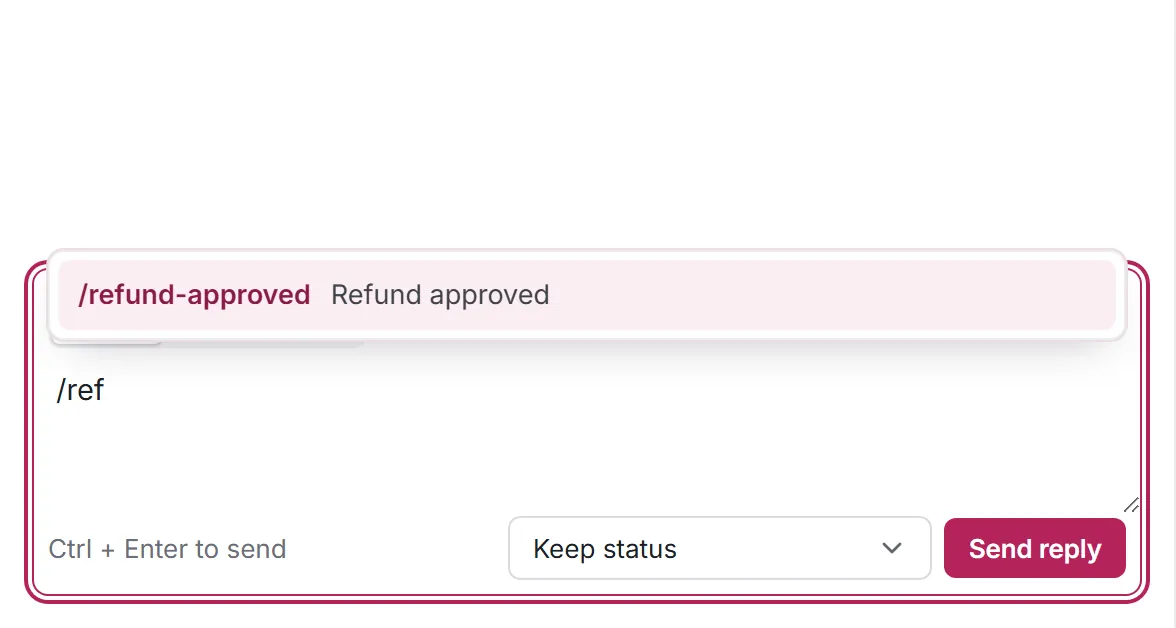
Type a slash, pick an answer
Start typing / and the list filters as you type. Pick a saved reply and it lands in the reply box, ready to edit.
- Search saved replies by name or text
- Always editable before sending
- Include a help center link in the reply text
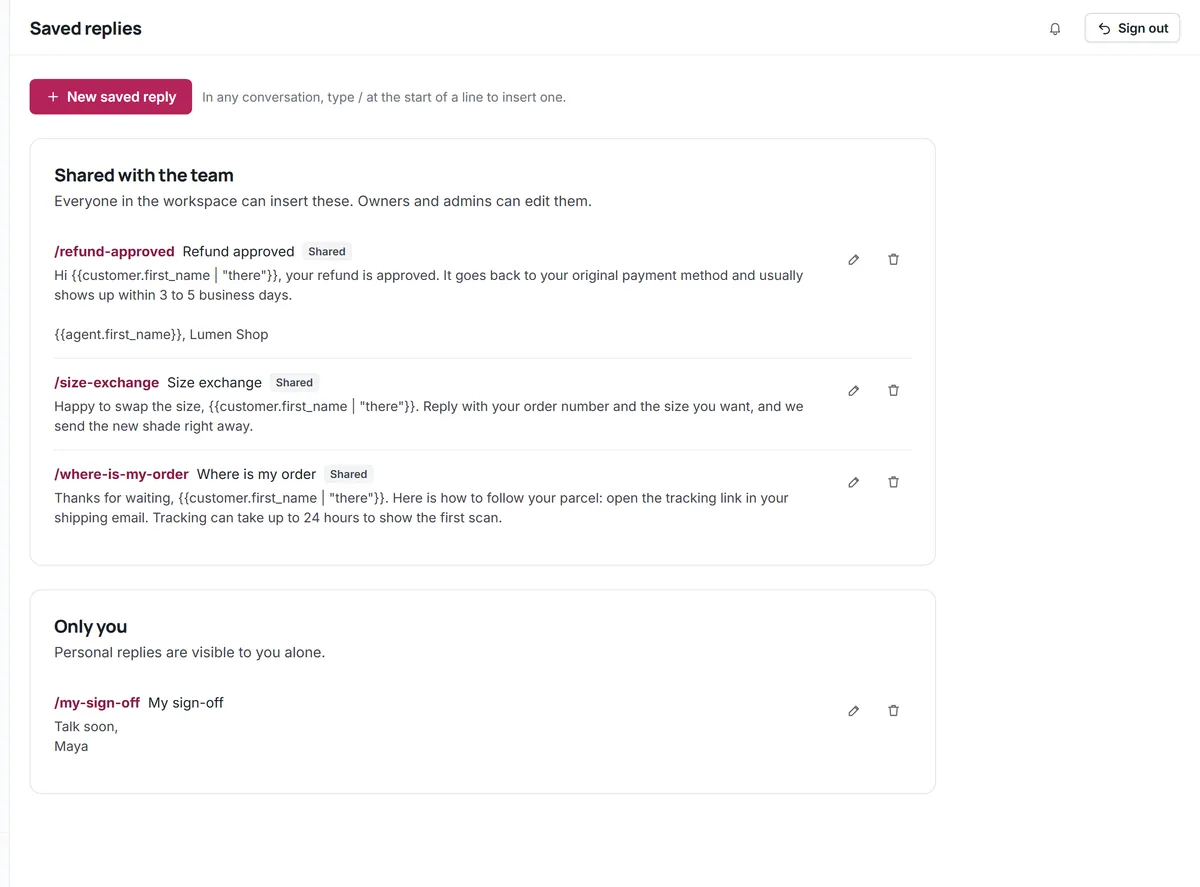
Personal details filled in for you
Use variables like {{customer.first_name}} with a fallback such as "there", so a reply never reads "Hi ," when a name is missing.
- Customer and agent variables
- Fallback text for missing values
- Values are escaped, so customer input cannot inject markup
Canned replies for the whole team, or just for you
Shared saved replies keep facts and policies consistent; personal ones keep your own sign-offs handy.
Shared replies
Visible to everyone in the workspace.
Personal replies
Only you see your own saved replies.
Every channel
Works in the email, live chat and WhatsApp composers.
Edit before sending
A saved reply is a starting point, never sent blindly.
Fewer repeats
Kora AI answers the most repeated questions from your articles first.
Fast search
Find the right reply among hundreds in a few keystrokes.
Questions about Saved replies
Start answering customers together
Create a free workspace for 2 users, or ask us anything on WhatsApp.