What Is a Service Desk? Meaning, Functions and Tools
On this page
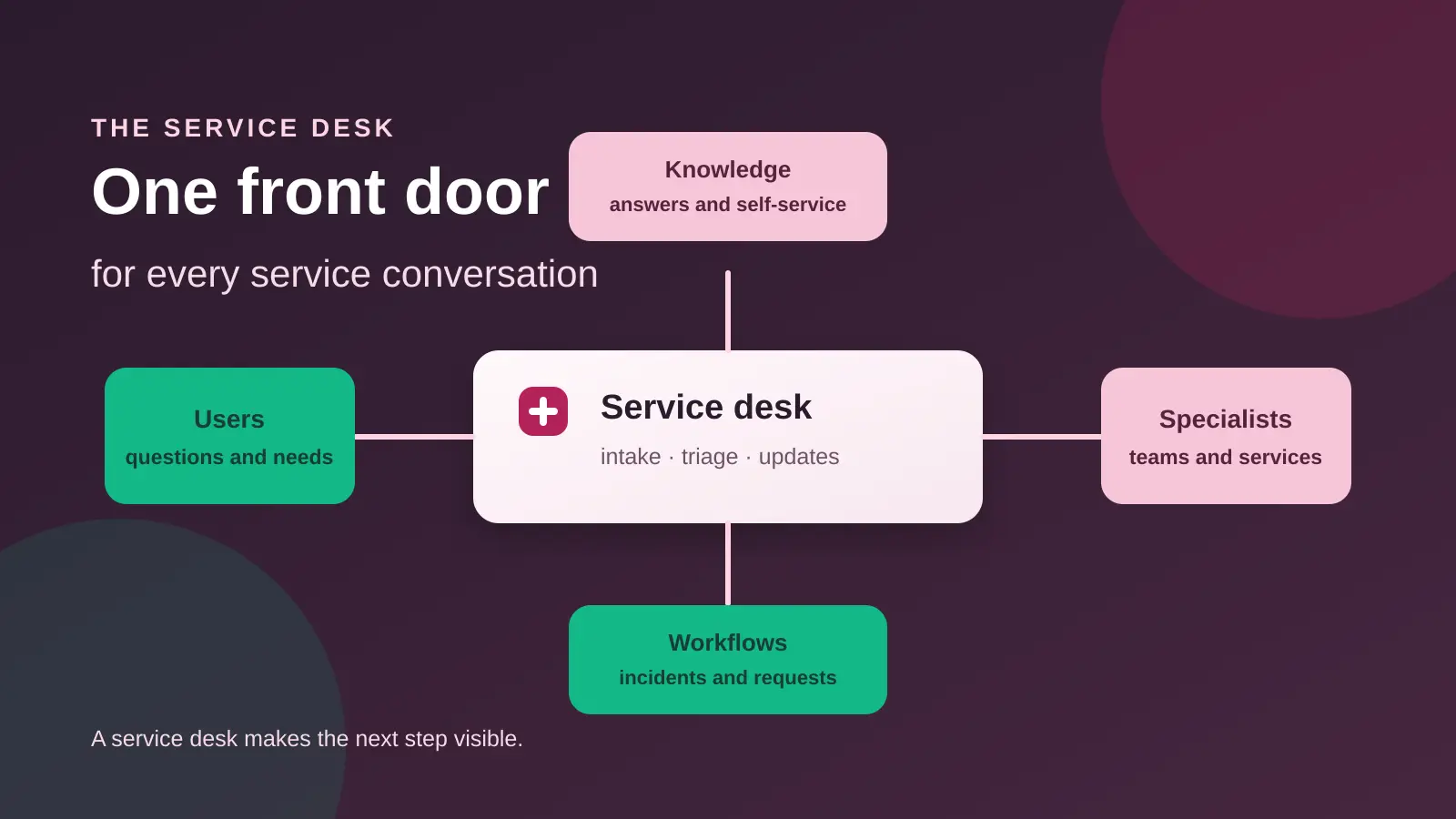
A service desk is the main contact point between users and an IT service provider. It receives incidents, service requests and questions, then connects each conversation to the right workflow, person or knowledge article. In the ITIL definition quoted by Atlassian, the service desk is the single point of contact between the service provider and users.
That definition is wider than a basic help desk inbox. A help desk may focus on fixing reported problems. A service desk also helps people request something new, find information, follow progress and reach the right service team. It is a front door for service delivery, not only a queue for break-fix tickets.
TL;DR: A service desk gives users one clear way to reach IT, records incidents and requests, communicates progress and connects support work with knowledge and service processes. A small customer support team may only need a focused help desk. An internal IT team with access, equipment and change workflows may benefit from a broader service desk model.
What is a service desk?
A service desk is a people, process and technology function that manages communication between users and a service provider. IBM describes IT service management as the planning, implementation, management and continual optimization of IT service delivery. The service desk is one practical point where that service promise becomes a user conversation (IBM).
The phrase can describe a team, a channel, a software system or the whole operating function. That is why service desk definitions sometimes sound inconsistent. One organization may call its email queue a service desk. Another may use the same label for a structured ITSM function with a portal, request catalog, knowledge base and specialist resolver groups.
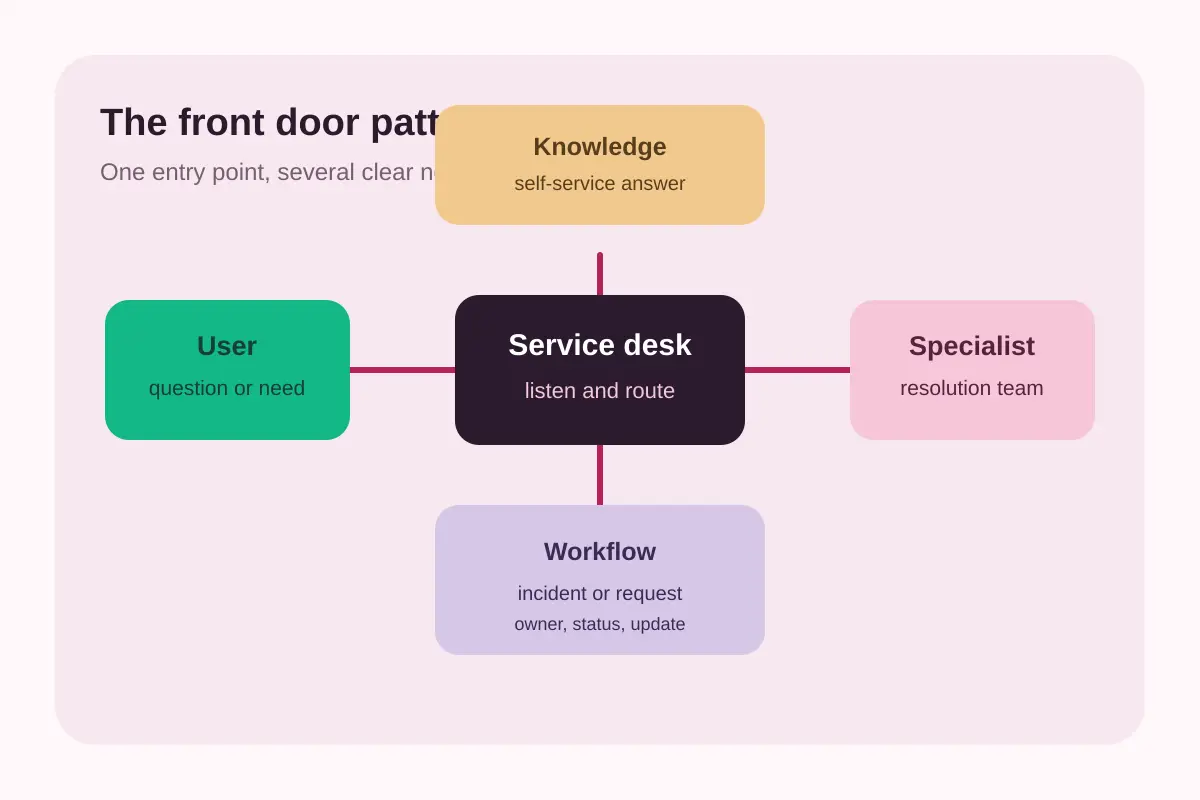
The service desk as a front door
Users should not need to understand the internal structure of IT before asking for help. A service desk gives them a clear entry point. The desk can then classify the conversation, collect missing context, set expectations and route the work without making the user repeat the story.
This front-door role also makes communication part of the service. A user may need a status update, an explanation, a password reset or a new application. The service desk helps make each request visible and gives the provider a consistent place to respond.
What does a service desk do?
A service desk usually combines intake, ticket management, communication and service knowledge. Atlassian describes service desks as handling incidents and service requests, while also supporting activities such as knowledge management, self-service and reporting (Atlassian). The exact mix should match the services the organization actually provides.
Capture and classify demand
The desk receives work from a portal, email, chat, phone process or another supported channel. An agent records the request, identifies the user and service involved, and separates an incident from a request for something new. Clear categories help the team see patterns without forcing users to learn internal jargon.
Restore service after incidents
An incident is an unplanned event that disrupts or reduces the quality of a service. Atlassian describes incident management as the process used to respond to an interruption and restore the service to its intended state (Atlassian). A service desk may perform the first diagnosis, communicate updates and escalate the work to a specialist.
Fulfill service requests
A service request asks for something to be provided, such as access, equipment, software or information. Atlassian recommends treating service requests as a standardized process with submission, assessment, fulfillment and closure (Atlassian). A repeatable request flow helps agents set expectations and reduces the need to reinvent the same answer.
Maintain useful knowledge
A knowledge base gives users and agents a shared source of instructions. It can answer common questions before a ticket is created, guide an agent during triage and preserve the answer after a request is closed. Knowledge is most useful when it is written for the user's task, reviewed when the process changes and linked to the request workflow.
Communicate and report
A service desk communicates ownership, progress, waiting states and resolution. It can also report on recurring incident themes, request demand, response targets and unresolved work. Reporting is not the goal by itself. It helps the team decide which service, workflow or article needs improvement.
Service desk vs help desk: what is the difference?
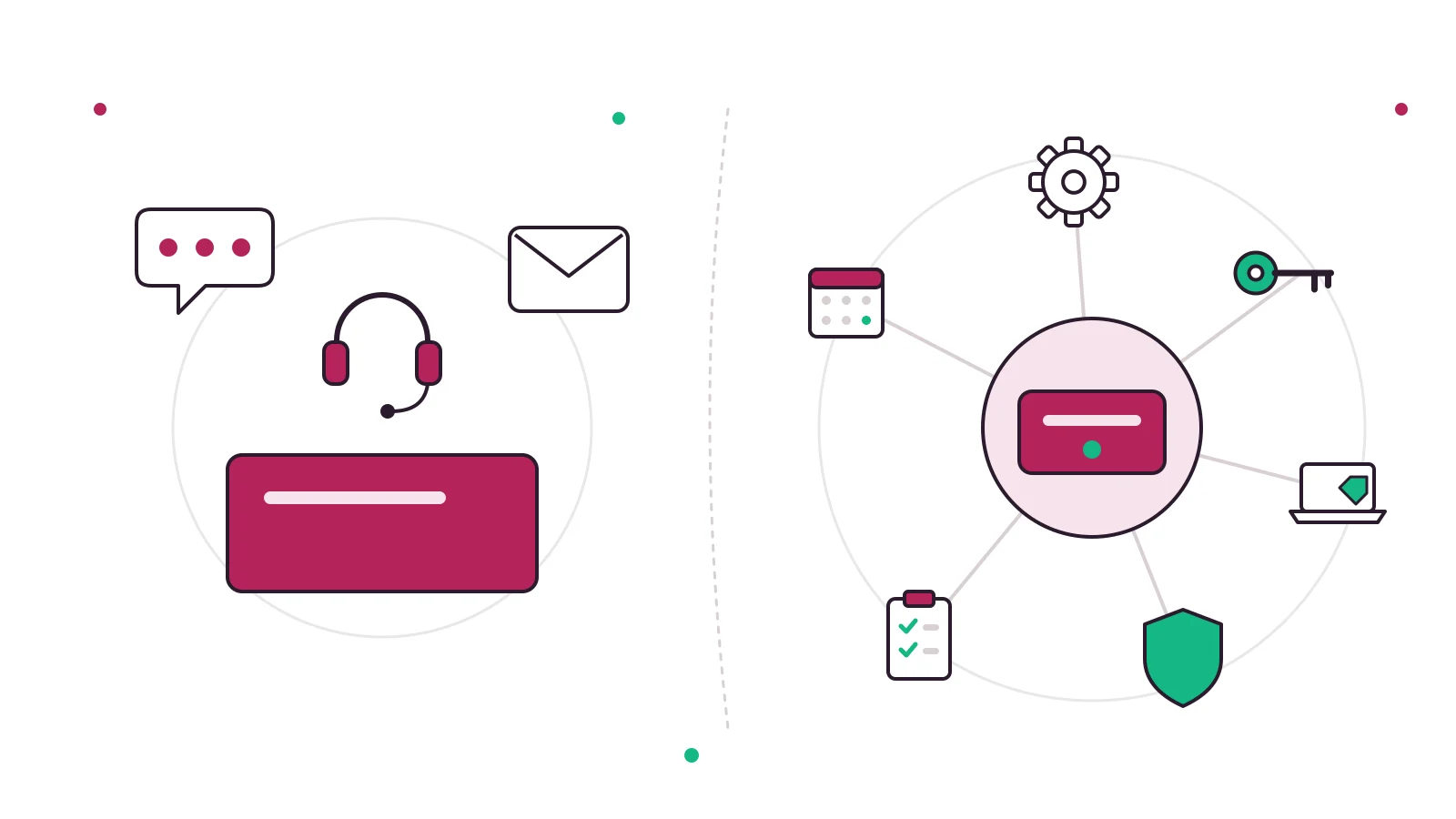
The difference between a service desk and a help desk is mainly scope. Atlassian describes a help desk as focused on break-fix support, while a service desk adds service requests, access, information and wider service-management connections. In practice, organizations use the labels differently, so inspect the actual workflow instead of trusting the name (Atlassian).
| Dimension | Help desk | Service desk |
|---|---|---|
| Main question | How do we fix this problem? | How do we deliver or restore this service? |
| Common work | Incidents, questions and troubleshooting | Incidents, requests, information and service communication |
| Typical model | Ticket queue and escalation | Front door connected to service workflows |
| Knowledge | Articles help agents and users solve issues | Knowledge is part of self-service and service improvement |
| Broader links | May operate as a focused support function | May connect to assets, changes, problems and service levels |
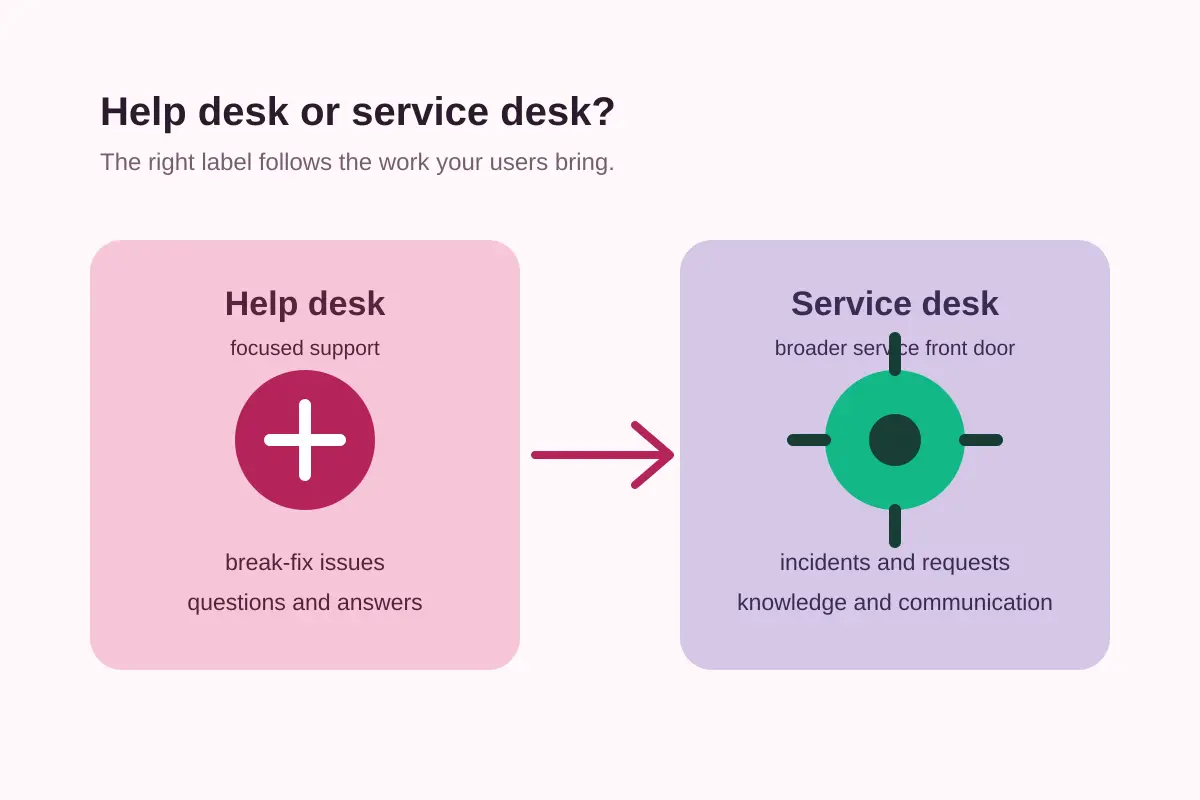
Neither label is automatically better. A customer support team may need fast conversation handling, a public help center and clear ticket ownership. An internal IT team may need access approvals, asset records and change coordination. The right model follows the work, the users and the risk.
Incidents, requests, problems and changes
A service desk becomes easier to operate when different kinds of work have different paths. The words are related, but they describe different questions.
- Incident: Something is broken, unavailable or working below its expected quality. The immediate goal is to restore service and reduce impact.
- Service request: A user asks for something new or routine, such as access, equipment, software or information.
- Problem: The team investigates an underlying cause that may create repeated incidents.
- Change: The team adds, modifies or removes something that could affect a service.
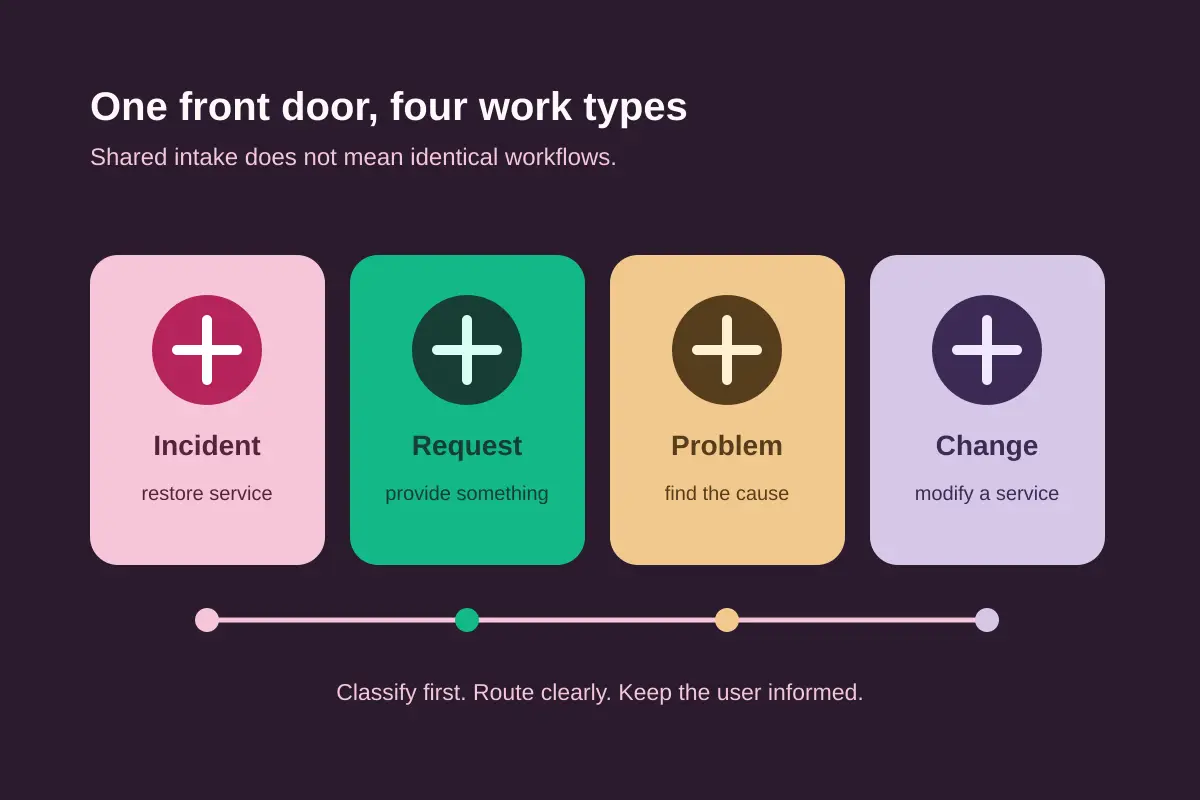
The service desk may not own every step. It can log an incident, gather context and coordinate updates while an operations team restores the service. It can record an access request and send it through the approval path. It can link a recurring incident to problem management or a planned modification to change enablement.
This separation improves clarity. The user gets one contact point, while the provider avoids treating every ticket as the same kind of work. Atlassian's service request guidance also recommends separate workstreams when request volume and fulfillment rules justify them (Atlassian).
What is ITIL's role in a service desk?
ITIL is a framework of practices for managing and improving IT support and service delivery. IBM describes ITIL as a framework with 34 practices, including service desk, incident management, service request management, problem management, change enablement and IT asset management (IBM). The number matters less than the principle: a service desk is one part of a wider service-management system.
A small team does not need to copy an enterprise process map to benefit from ITIL ideas. It can start by defining what counts as an incident, what counts as a request, who owns each stage and how users receive updates. Then it can review real work and add structure where repeated demand shows a need.
ISO/IEC 20000-1:2018 describes requirements for establishing, implementing, maintaining and continually improving a service management system. ISO's catalog says the standard remains current after its latest review and confirmation (ISO). That standard is relevant when an organization needs a formal management system, but it is not a reason for every small team to adopt heavyweight controls.
Who needs a service desk?
A service desk is a strong fit when users depend on several services and the provider needs a consistent way to manage incidents, requests and communication. Internal IT teams often reach this point when access, equipment, software, onboarding and service changes all arrive through different informal channels.
A focused help desk may be enough when the team mainly answers customer questions and fixes product issues. In that case, the highest-value capabilities are often a shared inbox, tickets with owners and status, saved replies, response targets, a searchable knowledge base and a clear handoff path.
Ask these questions before choosing a service desk model:
- Are users asking for services, or mainly reporting problems?
- Do requests need approval, fulfillment steps or an audit trail?
- Does the team manage assets, licenses or planned changes?
- Can users find reliable answers without opening a ticket?
- Who owns communication while a specialist works on the issue?
- Which channel should users use when something goes wrong?
If the answers point to several connected service workflows, service desk software may reduce confusion. If the answers point to one support queue, start with a simpler help desk and keep the process easy to maintain.
What should service desk software include?
Service desk software should make the operating model visible in daily work. Start with a reliable intake point and a ticket record that keeps the conversation, owner, status, priority and next step together. Add request types or forms only when they make routing clearer for users and agents.
A useful service desk tool commonly includes:
- A shared inbox or portal for incoming work.
- Ticket ownership, status, priority and internal notes.
- Separate incident and request paths when the work requires them.
- A knowledge base for self-service and agent guidance.
- Notifications and updates that keep users informed.
- Search and reporting for recurring demand and unresolved work.
- Integrations that fit the team's existing channels.
For a small customer support team, a full ITSM suite may introduce more configuration than value. Kora Reply is designed for the lighter help desk side of this decision, with a shared inbox, tickets, saved replies, a public knowledge base and an AI agent that answers from published help content before handing off to a person. Teams that need formal asset or change management should choose a tool built for that scope.
How to choose a service desk model
Choose the smallest model that solves the problem you can observe today. Start with the user's entry point, then map what happens after the request arrives. A service desk is not successful because it has the most fields. It is successful when users know where to ask, agents know what to do next and the provider learns from the work.
Write the first version of the workflow in plain language. Define the difference between an incident and a request. Name the owner for triage. Decide when a specialist takes over. Explain how the user receives updates. Link each repeatable answer to a knowledge article. Review the workflow after the team has enough real conversations to see where it slows down.
If you support customers, compare the practical needs of a small-business help desk before adopting internal ITSM terminology. If you support employees and manage access, equipment or changes, review the IT help desk requirements. The goal is not to choose the grandest label. The goal is to create a dependable path from question to useful answer.
Frequently asked questions
A service desk is the main contact point between users and an IT service provider. It records incidents, handles service requests, communicates updates and connects users with knowledge and specialist teams. The exact scope depends on the organization, so a small team can start with a focused workflow and expand it as service needs grow.
A help desk usually focuses on break-fix support, such as resolving a reported problem. A service desk has a wider service-management role: it handles incidents, service requests, information, communication and links to processes such as knowledge, asset or change management. The terms are often used loosely.
A service desk can handle incidents, access requests, equipment requests, software requests, information requests and communication with users. It may also support self-service, knowledge management, reporting and service-level tracking. The right scope is the one your team can operate consistently and explain clearly to users.
Small businesses often need the workflow of a help desk before they need a full ITSM suite. A shared inbox, ticket ownership, response targets, saved replies and a searchable knowledge base may be enough. Add service catalogs, approvals, asset records or change controls only when those processes solve a real operational problem.
No. ITIL is a framework of practices, not a requirement to use the name service desk. It can provide useful ideas for incidents, requests, knowledge and continual improvement. A small team should adopt the parts it can maintain, document the workflow and improve it from real ticket patterns rather than copying a large enterprise process.
Look for a clear intake point, tickets with owners and status, incident and request workflows, internal notes, searchable knowledge, customer updates, reporting and integrations that fit your channels. For customer support, email, live chat and a public help center may matter more than asset or change-management modules.
Sources
- Service desk vs help desk vs ITSM, Atlassian.
- Service request management, Atlassian.
- Incident management, Atlassian.
- What is ITSM?, IBM.
- What is ITIL?, IBM.
- ISO/IEC 20000-1:2018, ISO.
Prices, product features and service names can change. Check the linked official pages before making a procurement decision.
Related articles
 Help desk software
Help Desk vs Service Desk: Key Differences and Which You Need
Help desk vs service desk explained: definitions from ITIL, a side-by-side table, where desktop support fits, and how to pick the right one for your team.Read article Help desk software